
Most small and medium businesses don’t set out to build software. You just want a CRM that helps your team follow up, keep customer information in one place, and stop opportunities falling through the cracks.
Then reality hits. The CRM doesn’t quite match how you actually operate. It’s clunky. People start avoiding the system. Information is unreliable. Then someone says:
“Maybe we should just build our own.”
Sometimes that is the right move.
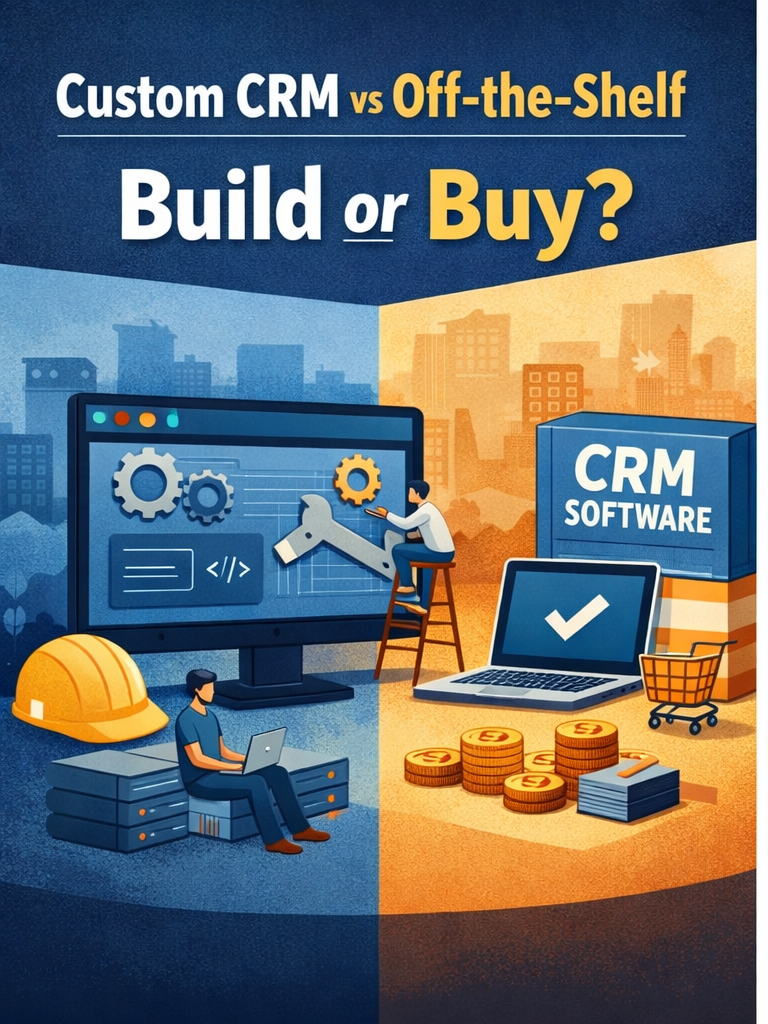
However, the decision isn’t “customised is better” or “off-the-shelf is safer.” The real trade is speed and predictability versus control and being fit-for-purpose.
A pivotal initial question: are you willing to operate your own software product in-house?
If you buy a CRM off-the-shelf, you’re ‘renting’ a system that is built for thousands of customers across different industries and used for different purposes. If you build one, you’re owning a product that caters for your specific needs.
Having your own system sounds great but it also means you are responsible for:
- Updates and bug fixes
- Security and access control
- Backups and disaster recovery
- Future requests
- Integrations with other systems
- Support when the team gets stuck
This may sounds tiresome, but with modern cloud-based platforms such as Airtable, it is not as bad as it sounds. However, you need to decide with your eyes open.
Is buying a platform the smarter choice?
Why off-the-shelf might win for you
1) You get value faster
Most businesses need improvement this quarter, not after a long build. A standard CRM can be live in weeks if you keep the scope sensible.
2) You get features you didn’t think to ask for
Email tracking, activity tracking, deduping, audit trails, reporting, mobile accessibility — these features may come ‘out of the box’
3) Training and hiring is easier
Using a common platform may mean:
- more online materials – less onboarding pain
- more admins and consultants available
- staff are more likely to have seen it before
4) Support, updates, and security are bundled
If cloud-based, the software vendor maintains the infrastructure and pushes updates. (Note that, this can also be a bad thing!)
Where off-the-shelf starts to bite you
1) You have to reshape the business around the tool
Standard CRMs have structures that cannot change. If your process doesn’t match the software, you either change how you work or you start creating workarounds.
Workarounds cost you in time and money, and are dangerous because you often don’t know they exist! Examples include:
- “Put the real quote in a note and we will cut and paste it”
- “This custom field is used for three different things”
- “We track approvals in a spreadsheet because the CRM can’t”
- “Only one person understood the automations and they have left”
That’s how CRMs become messy and adoption drops.
2) You hit customisation limits and get forced to upgrade to the more expensive version
Most platforms handle simple configuration well:
- fields
- views
- stages
- simple automations
They don’t always handle deep changes well:
- unusual approval chains
- complex quoting logic
- specialised screens
- non-standard data structures
3) Integrations become glue
Integrations are very powerful but are never straight forward. You may need to buy a full integrated suite of products (such as Zoho One or Monday.com) that cover:
- accounting
- quoting/proposals
- delivery/project tools
- support
- marketing
4) Costs creep
The entry price can look great. Then you add:
- more users
- more storage
- better reporting
- extra modules
- higher API limits
- premium support
Word from the wise: Most online demos or product demos will show features of the most expensive version, not of the cheaper, entry level version you are most likely to buy!
When a custom system is worth it
A customised system is the right move when your CRM isn’t just a sales tracker — it’s the backbone of how your business operates.
Custom will make sense when you have a mix of these:
1) Your workflow is genuinely unique
Not “we call stages different names.” Unique means the workflow itself is part of how you win, your ‘USP’.
Examples:
- complex quoting and pricing rules
- When different rules apply to different situations
- multi-step approvals
- complex compliance requirements
- tight sales-to-delivery handoffs
- renewals and recurring revenue tied to service history
2) Once built, the workflow is stable
If your process changes every few months, or you don’t actually understand how it works, custom becomes a moving target. You end up rebuilding constantly.
3) The current state is hurting your business, not enabling it
Whether you have a system in place already or not – this is the key test:
Can you feel and quantify the pain of the current state?
If your current system and process looks like:
- double entry between systems
- manual quoting and copy/paste
- chasing approvals
- one ‘hero’ employee has to do everything
- data and reporting that nobody trusts
Then you need to act now.
4) You want control of priorities
With custom, you choose what gets built next. You’re not waiting on a vendor roadmap. You can also change your mind with your priorities and adjust the plan!
Where custom hurts
1) Maintenance is forever
A CRM build (or any system build) is not a one-off project. Even if you stop adding features, you still may need:
- patching
- monitoring
- backups
- security updates
2) Developer dependency is real
If only one person, in-house or consultant, understands the system, you’re exposed.
3) Scope blowouts happen fast
It starts with “just leads and deals,” then becomes:
- email tracking
- notifications
- quoting
- mobile
- audit trails
- dashboards
- integrations
You can build a great custom CRM — but you need discipline to avoid building a half-finished clone of a major platform.
A simple decision rule
- If your needs are standard → buy and configure
- If your organisational workflow is unique, stable, and essential to your business → custom or hybrid
- If you don’t really know what you want → talk to others who you trust to explore further
In some cases, the best result is a hybrid:
- buy a standard CRM for the standard stuff
- build the other modules that are truly unique (in something like Airtable)
- integrate the systems together
Final thought
If you’re weighing up buy vs build (or a hybrid approach), I can help you map the workflows, quantify the pain points, and pick the lowest-risk path forward.
Get in touch and we’ll work through it quickly and practically.